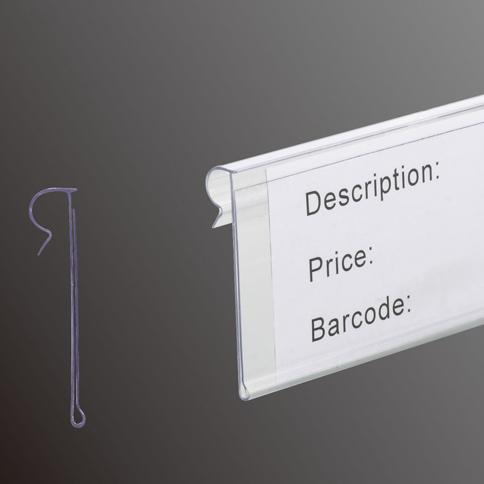
To read a Walmart shelf tag, shoppers can check prices, verify product details and spot promotions by color markers and discount stickers. Once you understand each section on the tag, shopping at Walmart becomes much easier. IDmate label holders keep shelf tags organised so customers can locate needed information quickly.
Key Takeaways
- Get familiar with basic information on Walmart shelf tags, including selling price, product name, SKU and unit price to make better purchasing decisions.
- Identify discounted items quickly using color coding: red tags stand for rollbacks, and clearance-tagged products will not be restocked once sold out.
- Use the Walmart app to check live prices and match shelf prices against checkout prices to reduce pricing errors.
How to Read a Walmart Shelf Tag
Walmart Price Tag Basics
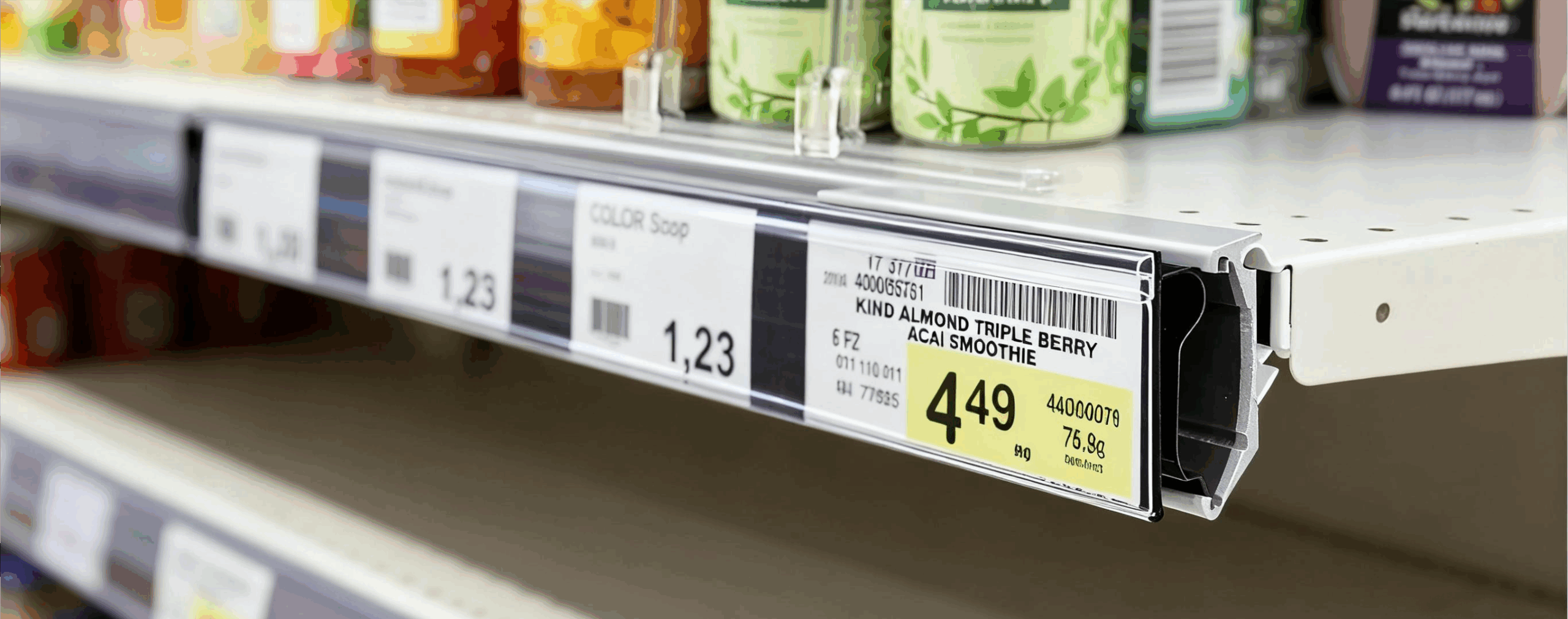
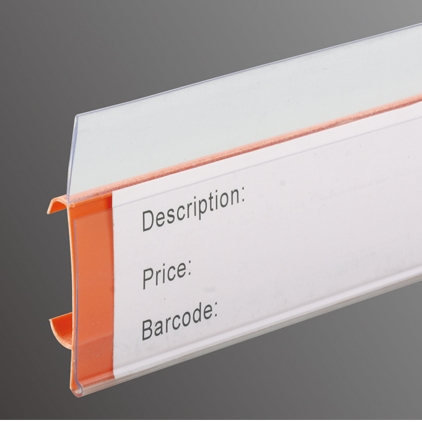
Start with fundamental information to understand shelf tags. Every Walmart tag displays the selling price, product name, SKU, unit price, and some include markdown dates. Prices are printed in large fonts for easy viewing. Product names help shoppers match tags to goods on shelves. Unique SKU codes support inventory management across all Walmart stores. Unit prices show costs per ounce, pound or other measurement units for direct product comparison.
All Walmart tags comply with relevant regulations. Retail prices and unit prices are clearly marked in bold, readable font alongside short product descriptions. Many shelves now feature digital tags that update prices instantly, minimising errors and maintaining accurate pricing throughout opening hours.
Tip: Shoppers often overlook key details, such as price adjustments and digital tags, or forget to compare prices across different stores.
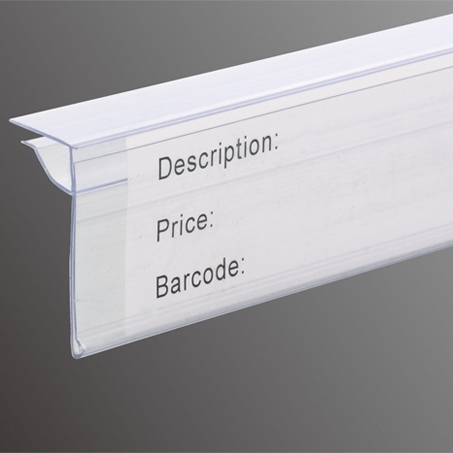
Walmart uses self-adhesive label holders to secure shelf tags for easy replacement. Brands like IDmate provide custom label holders suitable for all shelf types. Staff can swap tags rapidly when prices or product information change, keeping retail areas tidy.
Color Codes and Price Types
Walmart uses different colors to distinguish price types. Knowing these rules helps shoppers find deals faster.
| Price Type | Color Code | Description |
|---|---|---|
| Regular Price | No special color | Standard everyday price with no discount |
| Rollback Price | Red | Temporary price cuts, usually offered due to supplier promotions or excess stock |
| Clearance Price | No special color | Prices keep reducing until items sell out or hit the minimum markdown limit |
Red tags indicate short-term rollback offers. Clearance goods normally carry special stickers, with prices continuously lowered until stock runs out. Regular merchandise uses plain tags showing standard prices.
Walmart updates shelf tags frequently, sometimes every few minutes, to reflect new promotions and market demand. Digital tags enable fast updates to guarantee accurate pricing.
Understanding SKU and Unit Price
The SKU printed on tags is more than a set of numbers. Walmart relies on SKUs for product management, sales tracking and stock control.
- Record product information and support effective inventory control
- Enable efficient stock counting and simplify restocking
- Support sales forecasting to adjust stock levels based on demand
- Optimise inventory management across multiple store locations and ensure stable supply for large retailers like Walmart
Unit prices allow customers to compare items of different sizes and brands. For example, shoppers can check the per-ounce cost of large and small cereal boxes to find better value.
Markdown dates printed on tags help buyers recognise new promotions or judge whether clearance goods will drop further in price.
Walmart shelf tags feature a clean layout. Paired with IDmate self-adhesive label holders, tags can be replaced conveniently and remain visible to shoppers and staff.
Note: Walmart digital shelf tags are designed to stay legible under bright in-store lighting, improving shopping experience and building trust in displayed prices.
With proper knowledge of Walmart shelf tags, shoppers can easily find offers, avoid pricing pitfalls and shop with confidence.
Spotting Deals with Grocery Shelf Labels
Identifying Rollbacks and Clearance
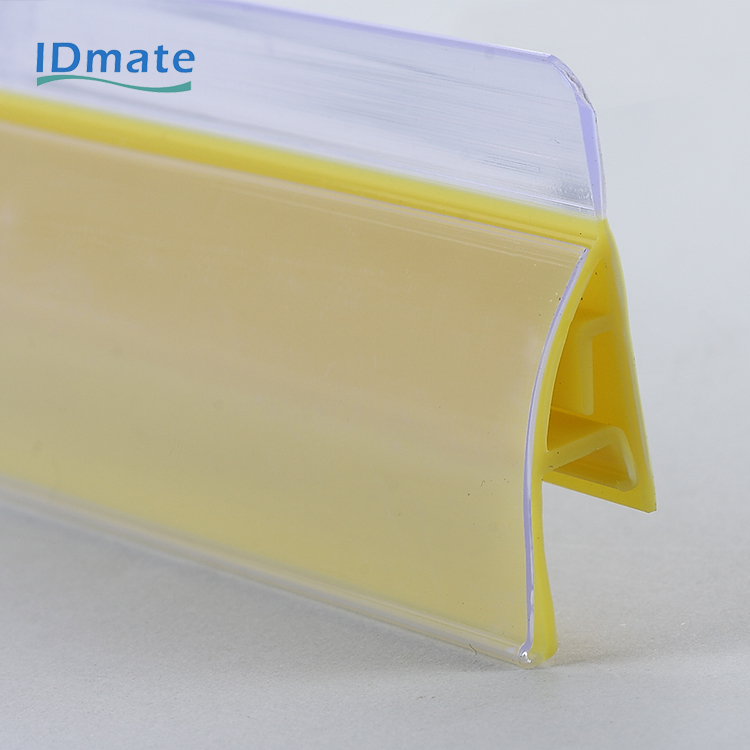
Shoppers can quickly spot promotions using grocery shelf labels. Walmart uses separate tags for rollbacks and clearance. Rollback products will be restocked after selling out, while clearance goods are removed permanently once gone.
表格
| Tag Type | Description | Restocking Status |
|---|---|---|
| Rollback | Regularly stocked items with temporary price reductions | Restocked when inventory runs low |
| Clearance | Discontinued or liquidated goods usually sold at lower prices | No restocks planned |
Price updates for grocery labels are now much faster. Previously, updates took several days; today changes can be completed within minutes.
Past update cycle: Several days
Current update cycle: Several minutes
Using Walmart App for Tag Info
The Walmart app lets users look up grocery shelf prices and find better deals. It syncs real-time pricing to align shelf labels with checkout costs. The app reduces 98% of pricing mistakes. Staff can update prices within seconds to keep shelf information accurate.
Other product lookup functions supported by the app:
- Display product photos with aisle, section and modular numbers
- Highlight section labels in yellow for quick recognition
- Print modular numbers on the top right of price stickers
- Interactive in-store maps to guide customers to products
- Flashing digital tags to help locate goods in busy aisles
Tips for Finding the Best Price
Use these methods together with grocery shelf labels to cut expenses:
Keep an eye on newly updated shelf prices
Watch for flashing lights and icons on digital tags
Check end caps and bins for special offers
Scan barcodes through the Walmart app to view live pricing
Follow weekly ads and app alerts for price drops
Track pricing patterns to decide the best buying time
Neat shelf labels together with IDmate label holders make deal searching and price comparison simple, creating a smooth shopping experience.
Follow these steps to read Walmart shelf tags and hunt for bargains:
- Watch out for colored tags and yellow clearance markers
- Pay attention to price endings such as .00 and .01
- Scan barcodes to confirm real-time prices
- Compare unit prices for maximum value
- Check markdown dates printed on tags
Label holders such as IDmate help customers view prices rapidly. Clear shelf signage can lift sales by up to 6% and save shoppers time during shopping.
FAQ
How can shoppers tell if a walmart shelf tag shows a deal?
They can look for red tags or special stickers. These often mean a rollback or clearance price at walmart.
What does the unit price mean on a walmart shelf tag?
The unit price shows how much one ounce, pound, or piece costs. This helps shoppers compare products at walmart.
Why do stores use label holders for shelf tags?
Label holders keep shelf tags neat and easy to read. They also make it simple for workers to update prices.