Most major courier companies (such as UPS) accept a minimum waybill size of 4 inches x 6 inches. Waybills are crucial for correct delivery because they display the address and tracking number. Choosing the appropriate shipping label size helps scanners read the information easily and reduces shipping errors.
Key Takeaways
- Major courier companies such as UPS, FedEx, and DHL allow a minimum waybill size of 4 inches x 6 inches. Using this size ensures your packages arrive safely.
- Always check the courier company’s guidelines regarding waybill sizes. Each courier company has its own guidelines, which can affect package delivery speed.
- Using the appropriate waybill size can avoid scanning problems and delivery delays. Ensure barcodes are clearly visible and labels are affixed to the package correctly.
Smallest Shipping Label Size by Carrier
Waybills play a critical role in the delivery process. Each courier company has its own minimum waybill size guidelines. These guidelines help ensure scanners can accurately read barcodes and addresses. The table below lists the minimum acceptable waybill sizes for major US courier companies.
| Carrier | Standard Size | Other Accepted Sizes |
|---|---|---|
| UPS | 4 × 6 inches | 4 × 8 inches, 8.5 × 11 inches (A4) |
| DHL | 4 × 6 inches | 4 × 7 inches, 4 × 8 inches, A4 sheets |
| FedEx | 4 × 6 inches | 4 × 8 inches, A4 sheets |
| USPS | 4 × 6 inches | 4 × 4 inches, 6 × 3 inches, 8.5 × 11 inches |
UPS Shipping Label Minimum Size
UPS has strict regulations regarding waybill sizes. The minimum acceptable waybill size for UPS is 4 × 6 inches, which is the standard UPS label size. For larger packages, UPS also allows waybill sizes of 4 × 8 inches and 8.5 × 11 inches (A4). UPS waybills must be fully affixed to the package and must not be folded or obscure important information. When printing UPS waybills, businesses must ensure that barcodes are clear and legible. UPS waybills should always be affixed to the largest flat surface of the package, which helps automated systems read the label quickly. Using the standard UPS label size reduces errors and speeds up delivery. Never cut UPS waybills to a smaller size, as this can cause scanning problems. UPS recommends using the standard UPS label size for all shipments, even small packages. UPS waybills must always be clearly visible and free of creases or damage.
USPS Shipping Label Minimum Size
The United States Postal Service (USPS) offers greater flexibility regarding waybill sizes. The minimum USPS waybill size is 4 × 4 inches. USPS also accepts 6 × 3 inches and the common 4 × 6 inch size. An 8.5 × 11 inch (A4) size is used for home printing and return labels. The following table lists the most commonly used USPS waybill sizes:
| Label Size | Common Use |
|---|---|
| 4 × 6 inches | Standard for domestic and international |
| 4 × 4 inches | Lightweight packages, sample mailers |
| 6 × 3 inches | Small product boxes |
| 8.5 × 11 inches | General use for larger items |
The USPS minimum waybill size of 4 × 4 inches is generally used for small packages. However, USPS recommends the 4 × 6 inch size for most shipments. This size works well with most thermal printers and automated sorting systems. Choosing the appropriate waybill size helps avoid delays and ensures smooth delivery.
FedEx and DHL Label Size Rules
Both FedEx and DHL use 4 × 6 inches as their standard shipping label size. This is also the minimum shipping label size accepted by both carriers. FedEx allows the use of 4 × 8 inches and A4 paper for larger shipments. DHL also accepts 4 × 7 inches, 4 × 8 inches, and A4 paper. Both carriers require barcodes and addresses to be legible. Using standard sizes helps packages pass through automated systems quickly.
Tip: Standard shipping label sizes such as 4 × 6 inches make it easier for scanners to read barcodes and addresses. This helps reduce errors and speeds up delivery.
Shipping label size is critical for each carrier. A minimum shipping label size that works for one carrier may not work for another. Always check the carrier’s guidelines before printing labels. For example, UPS shipping labels must conform to UPS standards to avoid delays. Businesses should use the standard UPS label size when printing UPS shipping labels for best results. Using the correct size shipping labels helps packages pass smoothly through sorting and delivery systems.
Shipping Label Flexibility and Display Solutions
Custom Sizes and Exceptions
Carriers sometimes allow customers to use custom-sized waybill labels. This is very useful for irregularly shaped packages or packages with special business needs. Companies may choose custom sizes to display their logo or brand colors. They can also add QR codes if standard-sized labels cannot be used. Many businesses use custom-sized waybill labels to enhance their brand image and display more information, such as tracking information. These special labels help packages get noticed and handled correctly.
- Carriers allow customers to use custom-sized waybill labels to handle irregularly shaped packages.
- Custom labels can contain company logos or other detailed information.
- Special types of waybill labels include fragile items labels, dangerous goods labels, waterproof labels, and barcode labels.
Scanning and Shipping Risks
Using the smallest possible waybill label can cause problems. Poor-quality labels can lead to incorrect inventory data. If the label is incorrect, inventory may be misplaced or assigned to the wrong SKU. Barcodes that cannot be scanned properly can affect picking, packing, and shipping. Poor-quality labels may fall off during transit, slowing down the entire process. Choosing the right size and good quality waybill labels helps avoid errors and ensures smooth package delivery.
- Incorrectly sized waybill labels can cause scanning difficulties.
- Difficult-to-read labels can delay delivery.
- Missing information on waybill labels can lead to errors.
Using IDmate Data Strips for Label Display
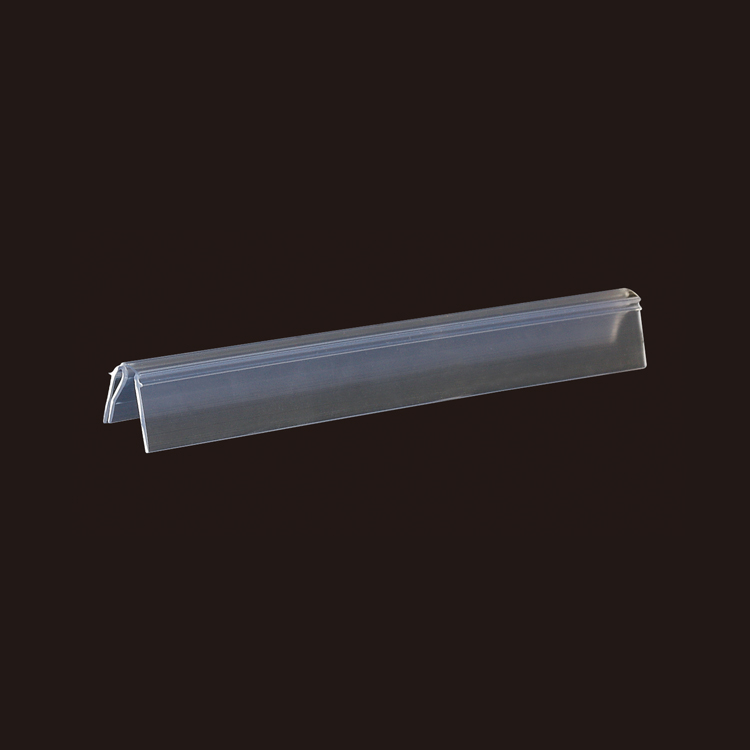
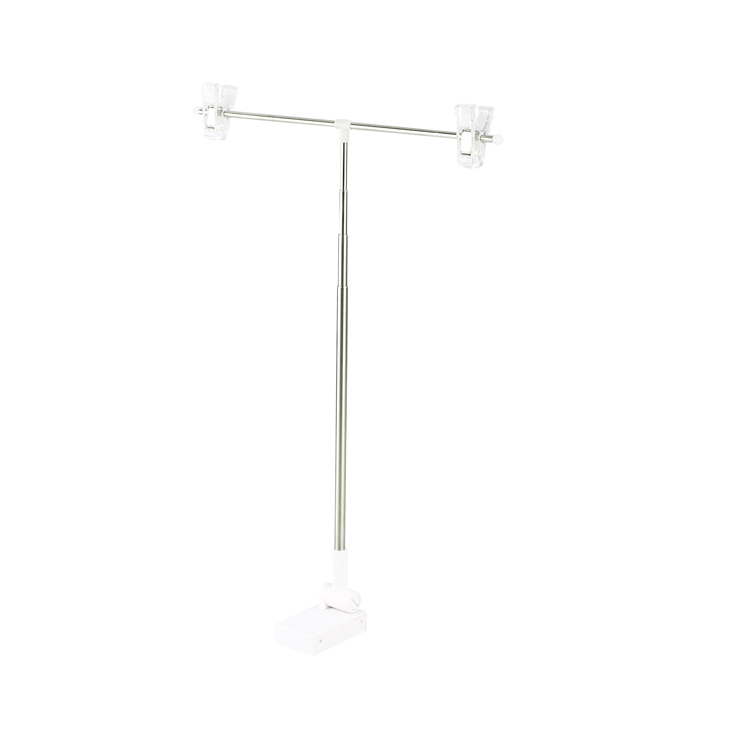
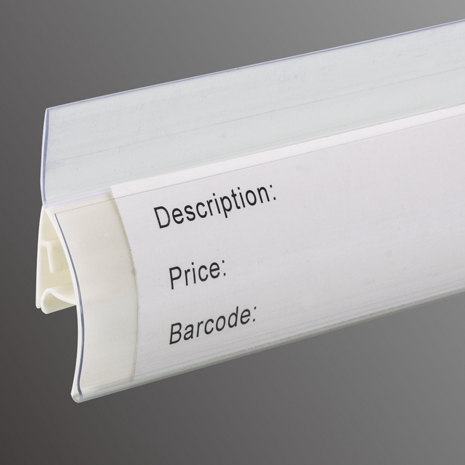
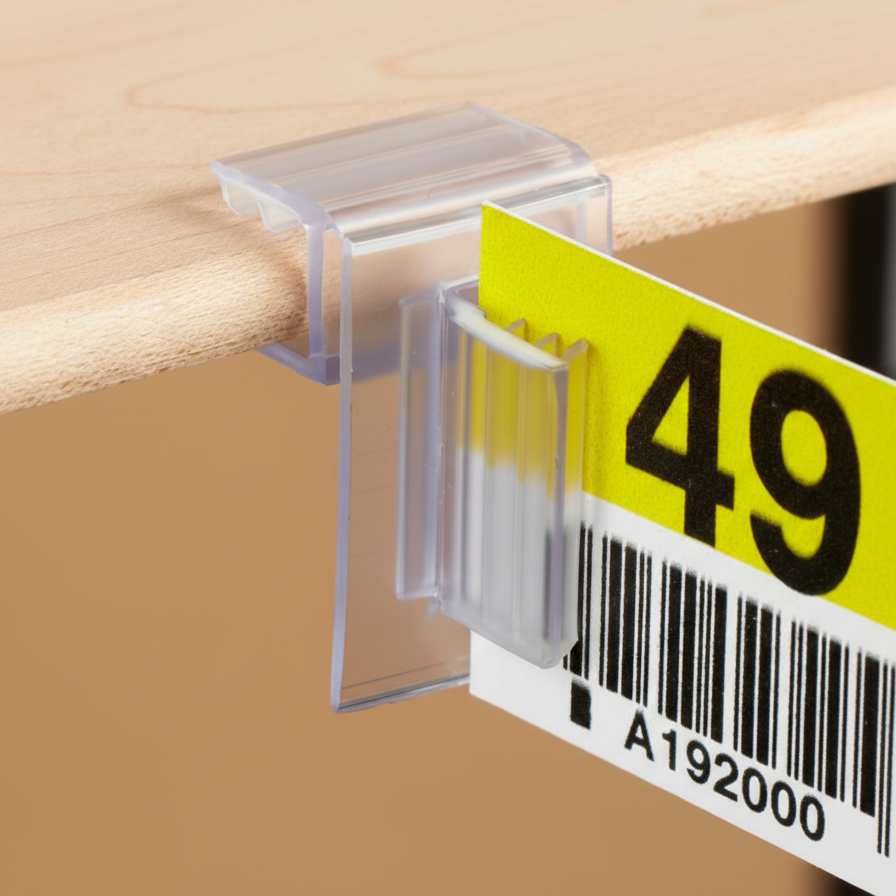
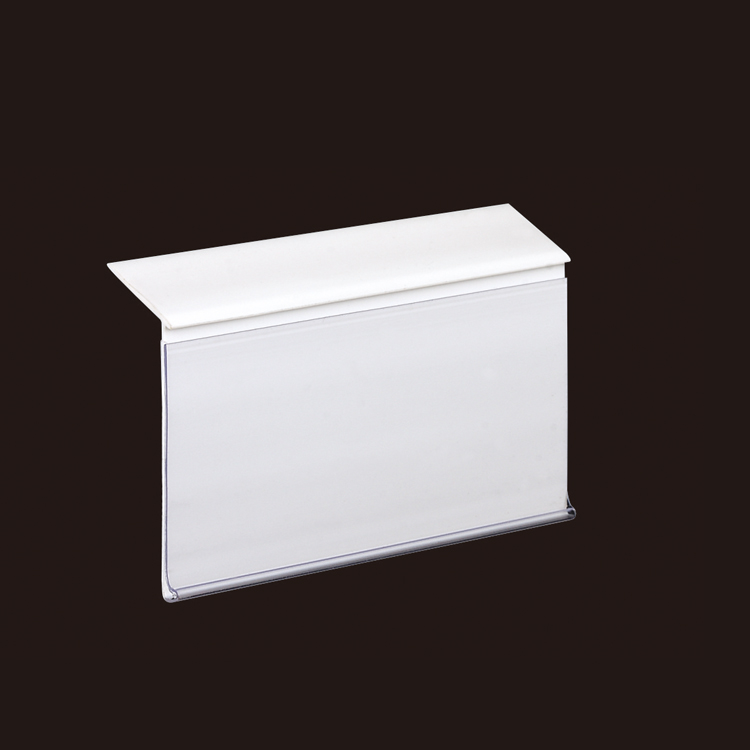
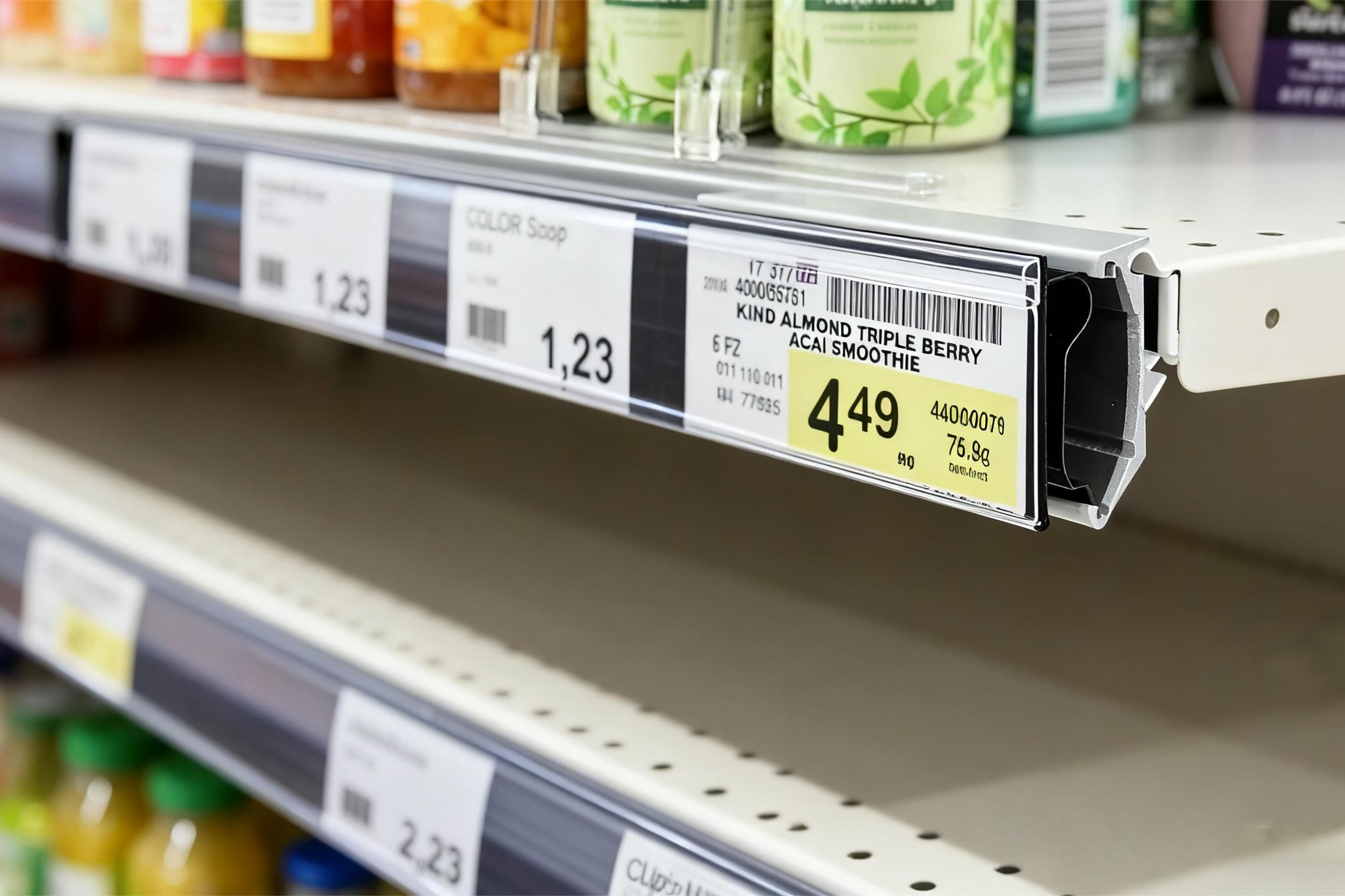
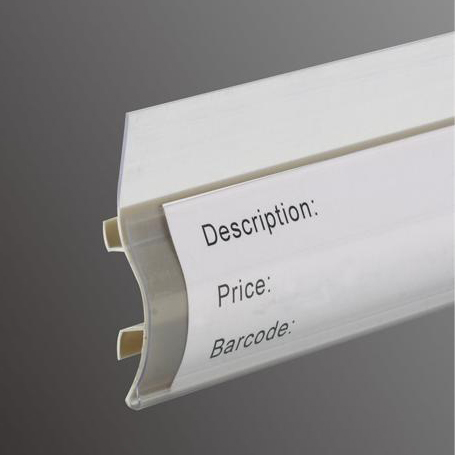
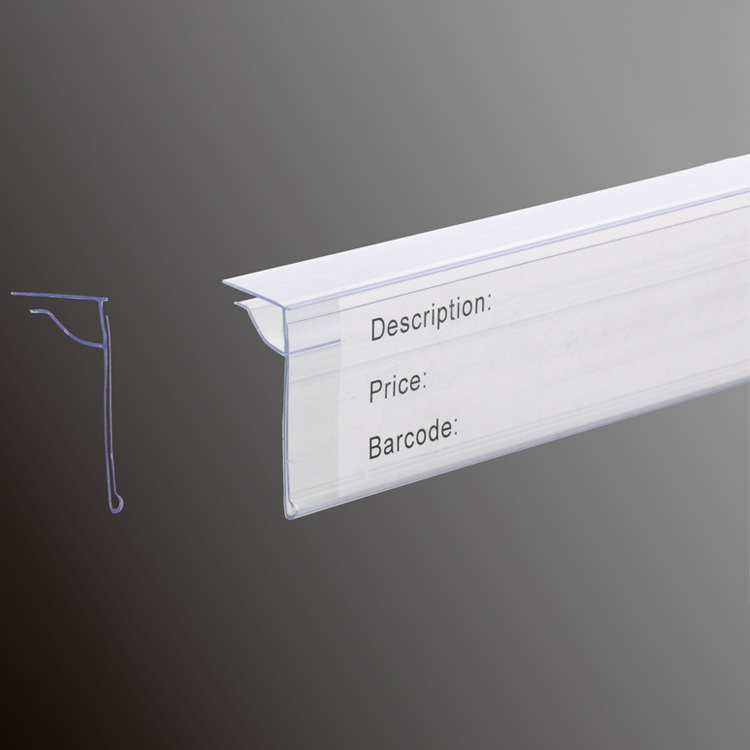
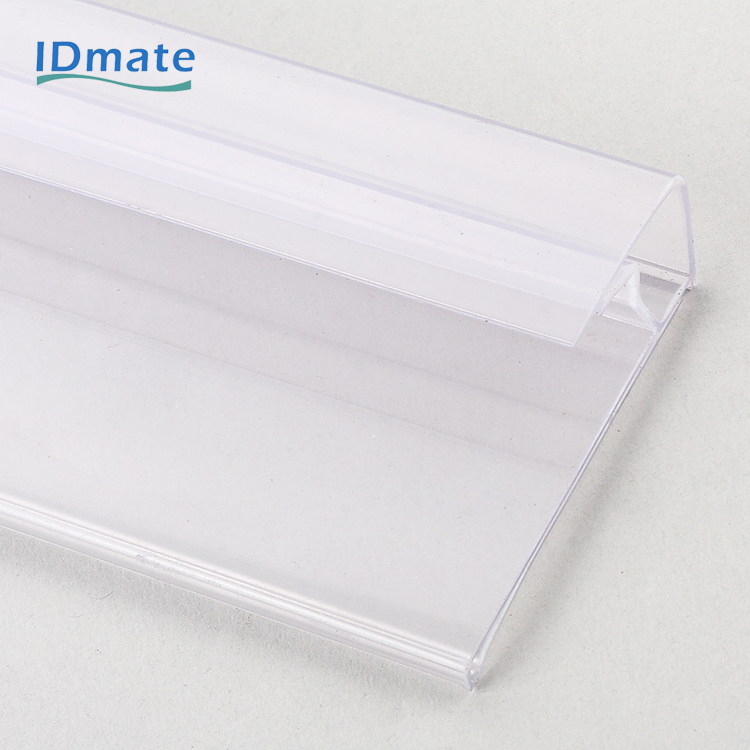
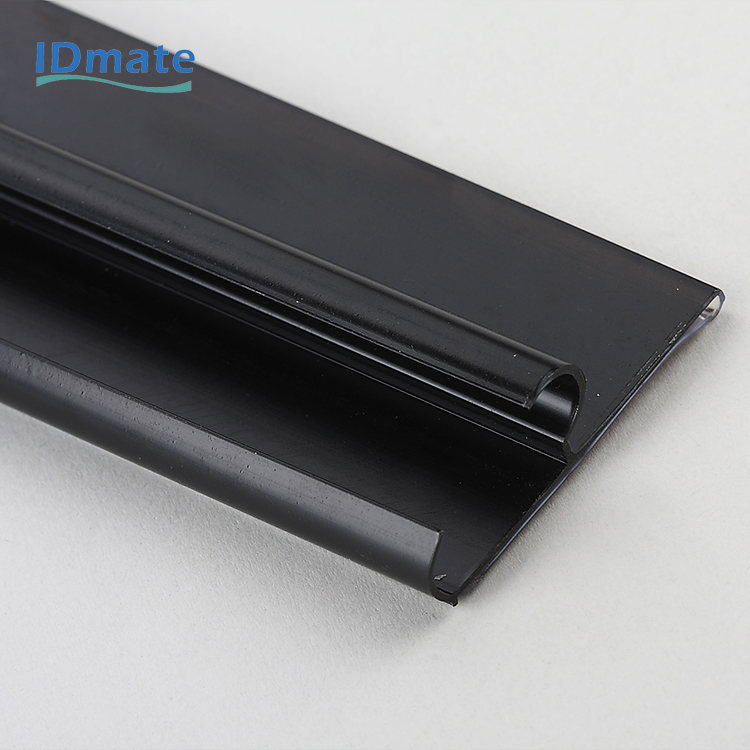
IDmate data strips are a convenient way to display shipping labels and product information in stores. These plastic clips can be attached to the edge of shelves to secure price tags, barcodes, or product details. Customers can easily view the information without asking. Staff can quickly replace the cards in the data strips to update the information.
Tip: Be sure to choose the appropriate size shipping labels to ensure they can accommodate all necessary information and comply with the carrier’s requirements. Ensure the labels are correctly positioned and clearly printed for easy scanning.
Picking the right shipping label size is important. Carriers want certain label sizes for easy delivery. You need to follow their rules. Make sure barcodes are easy to read. Check that your printer works with the label size. This helps stop mistakes and keeps packages from being late.
| Carrier Tip | Description |
|---|---|
| Optimize Printer Settings | Set your printer to match the label type. This makes labels clear and easy to scan. |
| Use the Correct Label Size | Pick the right size so scanners can read the label. |
| Test Before Printing | Print a test label first. Make sure it lines up and fits right. |
FAQ
What happens if a shipping label is too small?
A label that is too small may not scan correctly. Carriers might delay or return the package. Always follow the carrier’s minimum size rules.
Can you print shipping labels on regular paper?
Yes, people can print shipping labels on regular paper. They should tape the label flat and clear on the package so scanners can read it.
Do all carriers accept custom shipping label sizes?
Most carriers prefer standard sizes. Some allow custom sizes for special needs. Always check the carrier’s guidelines before using a custom label.